 Simple Money Tools
Connecting Strava
Register your own free Strava app, then authorise read-only access from the extension.
A live Strava connection uses your own free Strava API app, so there's no approval wait. Only read scopes are requested.
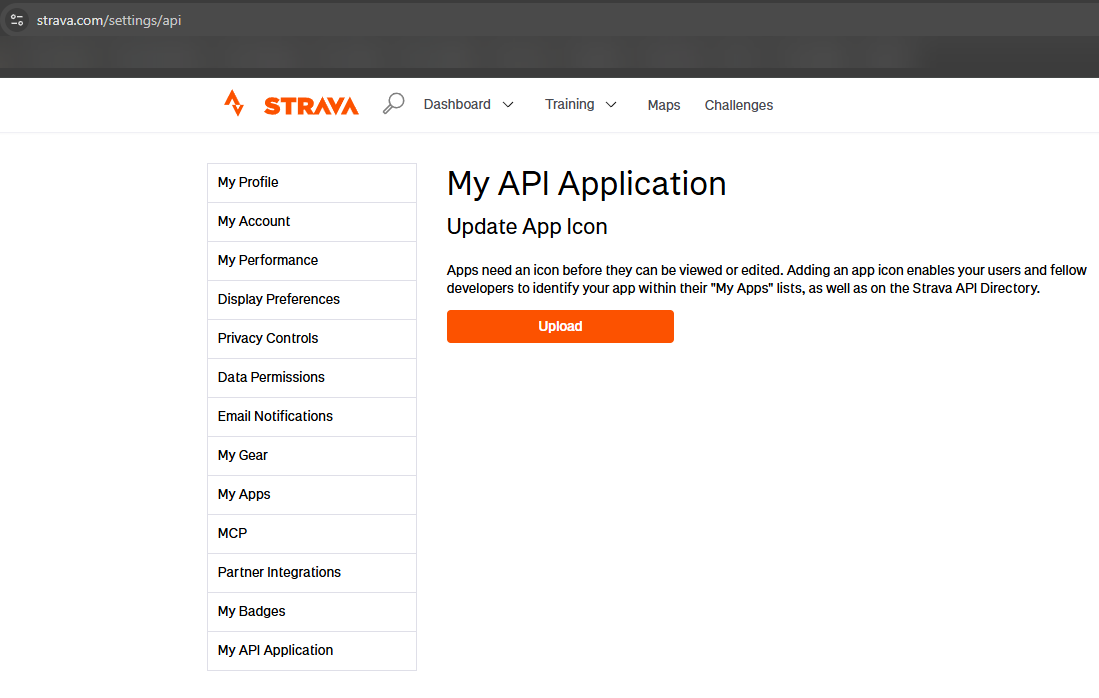
- Go to strava.com/settings/api and register a new app — free and instant.
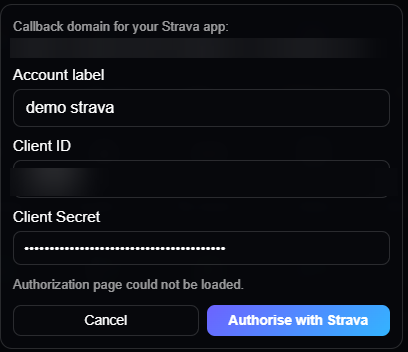
- In the extension, open Settings → Connected accounts and click Connect Strava (Live). It shows the exact Authorization Callback Domain to paste into your Strava app — yours is unique to your install, so it won't match any screenshot.
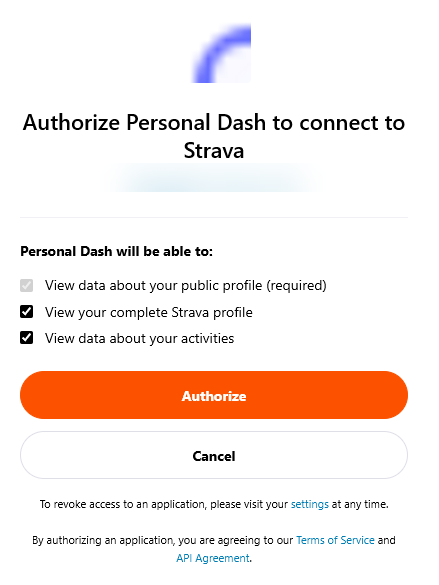
- Copy the Client ID and Secret from your Strava app page, paste them into the same form, then confirm access on Strava's own authorisation screen.
Streaks, weekly trends and the fitness estimate are the extension's own calculations from your activity data — not official Strava metrics, and not health advice.