 Simple Money Tools
Installing Personal Dashboard
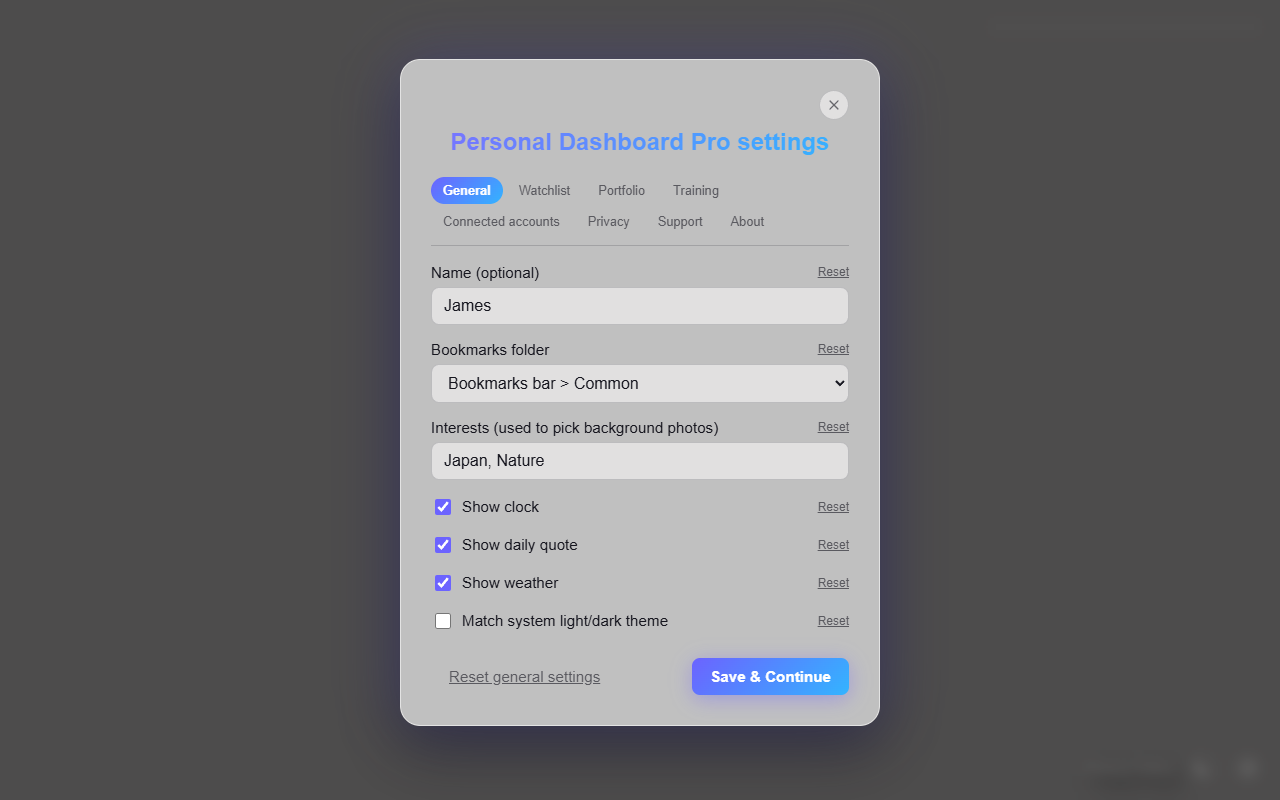
Add the extension from the Chrome Web Store, pick your bookmark folder, and choose the interests behind your background photos.
- Install the extension from the Chrome Web Store.
- Open a new tab — it replaces Chrome's default new tab page.
- Open Settings (gear icon, bottom right) to set your name, pick the bookmark folder to show as shortcuts, and choose the interests that pick your background photos.